
Agency workflow guide
Turn a website audit into a client proposal.
An audit identifies problems. A proposal gives the client a clear decision: what to address, in what order, and why the work is worth doing.
Use this five-step framework to move from evidence to a scope you can explain and defend.
From findings to a decision
Five steps that connect the audit to the work.
Keep the finding specific.
Record the affected page, the condition detected, its severity, and the evidence behind it. A client can act on “the primary service page has no descriptive title” more readily than “SEO score: 72.” Confirm important findings manually before making a claim.
Explain why this comes first.
Weigh likely impact, urgency, effort, and dependencies. A blocking technical issue may come before a cosmetic improvement, even if both appear in the same audit. The score is context, not the entire decision.
Group work into phases.
Separate quick corrections from deeper renovation. State what each phase includes and what must happen before the next one. This helps the client see a sequence rather than a long, undifferentiated fix list.
Translate the plan into scope.
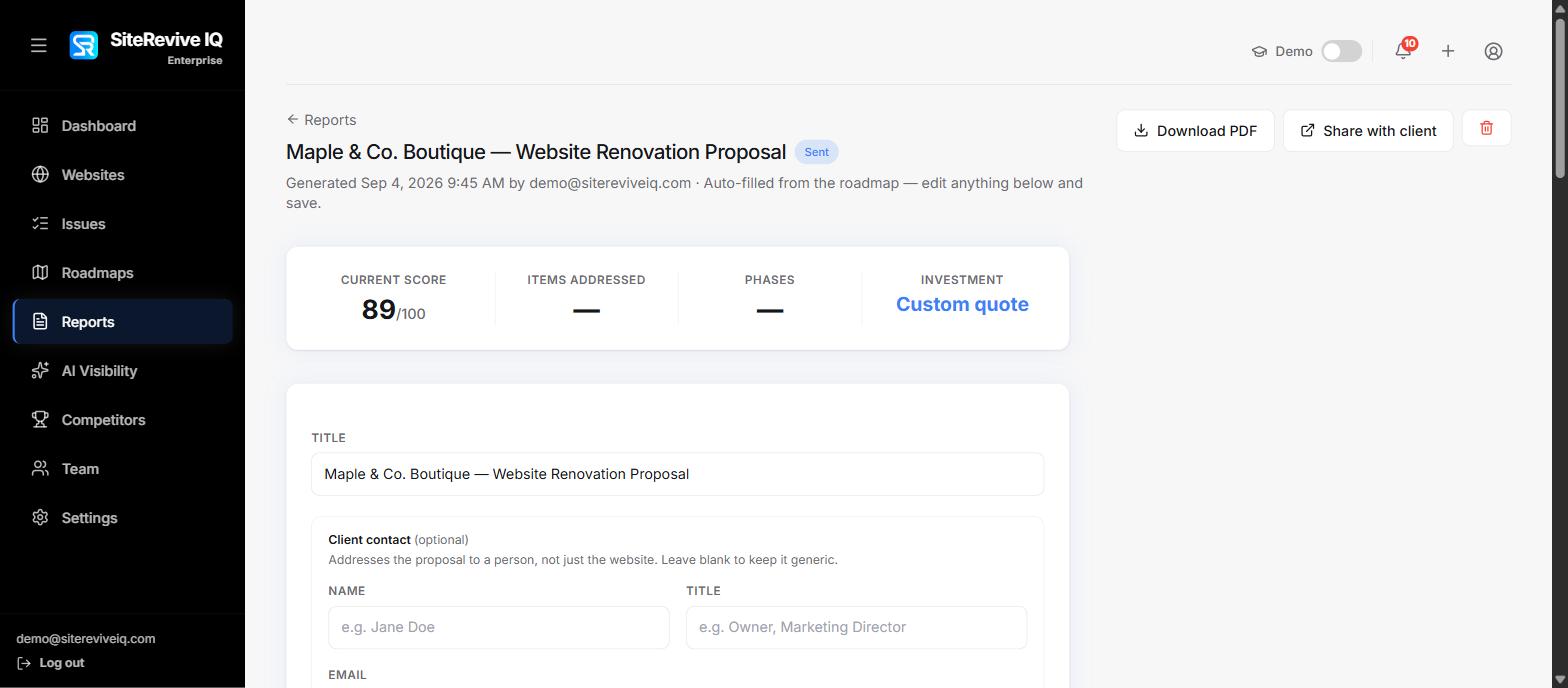
Describe deliverables, assumptions, exclusions, timeline, ownership, and investment. Tie each proposed deliverable back to a documented finding or a clearly stated business goal. The consultant still owns the recommendation and the commercial terms.
Decide how progress will be shown.
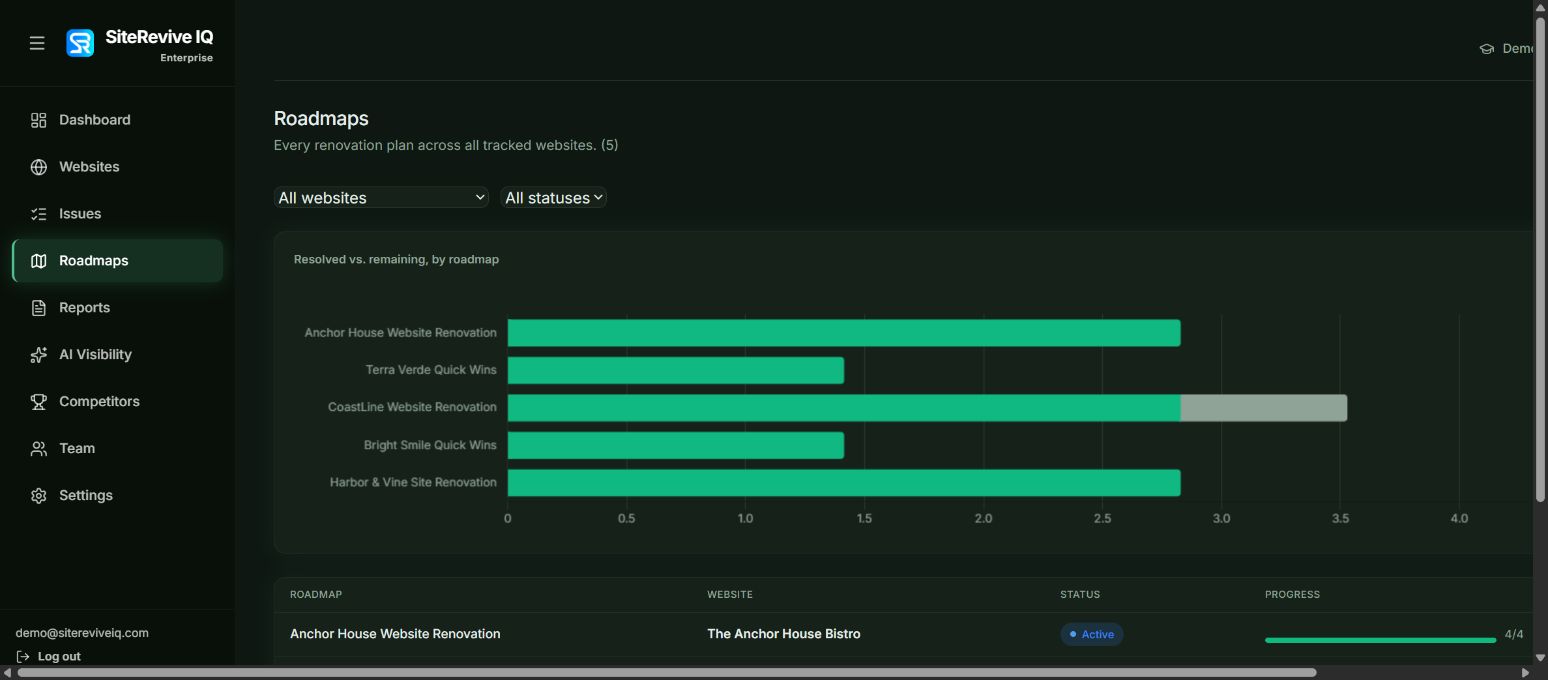
Save a baseline, document completed changes, and rescan under comparable conditions. Report resolved, remaining, and newly detected issues. Do not treat a higher score alone as proof of more traffic or sales.
Illustrative example
Show the reasoning, not just the rating.
Imagine an agency auditing a local service website. The audit finds an important service page without a descriptive title, several pages with missing form labels, and an outdated trust statement. The agency verifies the findings, places the service-page title and form labels in the first phase, then scopes the trust-content review separately with the client.
The proposal names the affected pages, the planned changes, who will approve the content, and the rescan that will verify the detectable fixes. This example illustrates a workflow; it is not a SiteRevive customer result or a promise of ranking or conversion improvement.
Where the software helps
One connected workspace. Your judgment remains central.
SiteRevive IQ links explainable audit findings to renovation roadmaps and client-ready proposals. After implementation, a rescan supports before-and-after reporting. This reduces the manual handoff between a score, a plan, and a client presentation.
Automated checks cannot establish every accessibility, security, legal, or business outcome. Review findings in context, set realistic scope, and make the final recommendations yourself.
Practical questions
Before you send the proposal.
Should every audit finding become a line item?
No. Verify the finding, judge its relevance, and group related work into an understandable scope. Some findings need further investigation; others may not be worth acting on now.
Can the audit score justify a price?
The score can help explain the condition of the website. Price should reflect the work, complexity, risk, and commercial agreement, not a points-to-dollars formula.
What should the follow-up report claim?
State what was changed and what the rescan detected. If you also report traffic, leads, or revenue, identify the source, time period, and other factors that may have influenced those outcomes.
See it in practice
Bring your next audit question.
Walk through how SiteRevive IQ connects findings, the plan, a client-ready proposal, and the proof after the work.